Quick Facts
- Cost: 100% Free with no hidden subscription fees or processing charges.
- Eligibility: Available to U.S. citizens, Lawful Permanent Residents, Canadian B1/B2 citizens, and Visa Waiver Program travelers.
- Efficiency: Provides access to a dedicated lane, bypassing the standard international arrivals queue.
- Volume: In Fiscal Year 2023, more than 1.8 million travelers utilized the service to expedite their entry.
- Group Support: A single user can process digital declaration forms for up to 12 family members at once.
- Locations: Operational at 51 locations as of July 2024, including major airports and seaports.
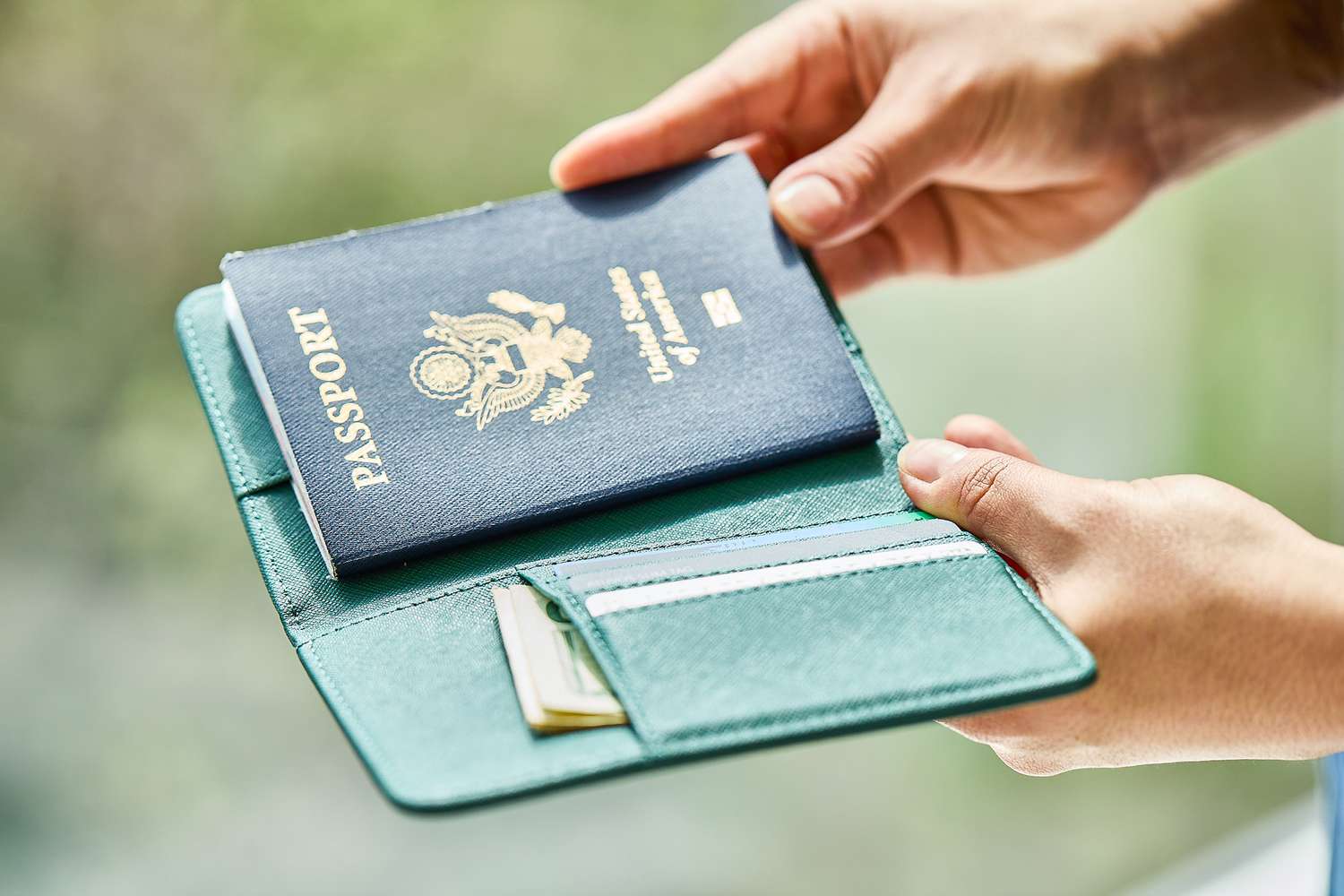
- Requirement: Users must still carry their physical passport for final verification by a CBP officer.
The mobile passport control app is a free tool from U.S. Customs and Border Protection designed to expedite the entry process for travelers arriving in the United States. Users submit their passport information and digital declarations through the smartphone application, which often provides access to a dedicated security lane at participating ports of entry. While the app streamlines documentation, travelers must still present their physical passport to a CBP officer for a brief interview.
The 6-Step Guide: How to Use the MPC App
For many frequent flyers, the arrival at international arrivals is the most taxing part of the journey. Long queues and physical kiosks can add significant delays after a long flight. Navigating the mobile passport control app is relatively straightforward, but it requires a specific sequence of actions to ensure the expedited screening process works as intended.
The following steps outline how to use mobile passport control app from your initial setup to the final inspection:
- Download and Install: Search for the official CBP MPC app on the Apple App Store or Google Play Store. Ensure you are downloading the legitimate version published by U.S. Customs and Border Protection.
- Create Your Profile: Enter your name, passport details, and citizenship. You can store this information securely so you don't have to re-enter it for every trip.
- Select Your Arrival Port: When you land in the U.S. or arrive at a pre-clearance facility, open the app and select your specific port of entry and terminal.
- Take a Selfie: The app requires a digital photograph for each traveler in your group. This photo must be a clear headshot taken against a plain background, similar to a standard passport photo.
- Answer Declaration Questions: Complete the digital declaration regarding what you are bringing into the country. These are the same questions previously found on the blue paper forms or at APC kiosks.
- Submit and Receive Receipt: Once submitted, the app will generate a QR code receipt. This digital receipt is valid for four hours and must be shown to the CBP officer in the designated lane.
Troubleshooting Tip: If the app fails to scan your passport photo page, you can select the option for manual entry. It is also common for the app to require a strong data or Wi-Fi connection; many airports offer free Wi-Fi specifically to assist travelers with digital travel documents.
Based on mobile passport control app reviews, the digital receipt stage is where most travelers see the "magic" happen. Instead of waiting for a machine to print a thermal paper slip, your phone holds all the necessary data to proceed directly to a CBP officer interview.
Mobile Passport Control vs. Global Entry: Which is Better?
When analyzing the best ways to navigate customs, many travelers ask: is mobile passport control app worth it compared to Global Entry? The answer depends largely on your travel frequency and budget. While both programs aim to provide wait time reduction, they operate on different models of trust and technology.
Global Entry is a "Trusted Traveler Program" (TTP) that requires a $120 application fee, a background check, and an in-person interview. In contrast, the mobile passport control app is free and requires no pre-approval. For a family of four, selecting the free app over Global Entry saves nearly $500 in application fees, which is a significant factor for leisure travelers.
| Feature | Mobile Passport Control (MPC) | Global Entry |
|---|---|---|
| Cost | Free | $120 (5-year membership) |
| Pre-approval | None Required | Required (Background Check + Interview) |
| Wait Times | Very Short (Dedicated Lane) | Shortest (Facial Recognition Kiosks) |
| Application Time | 5 Minutes on Phone | Several Months (Interview Backlogs) |
| Best For | Casual Travelers & Families | Frequent International Business Travelers |
While the global entry app vs mobile passport control debate usually favors Global Entry for those who travel monthly, the MPC app is often more than sufficient for those who travel abroad once or twice a year. Furthermore, Global Entry kiosks use facial recognition that can occasionally fail, whereas the MPC app relies on a QR code receipt which provides a reliable fallback for digital declaration submission.
Group Travel & Eligibility: Who Can Benefit?
One of the most overlooked features of the mobile passport control app for families and groups is the ability to manage up to 12 profiles on a single device. This is a game-changer for parents traveling with children. Instead of managing four or five separate passports and standing at multiple kiosks, one parent can submit the entire household's travel information in one transaction.
In terms of who can use mobile passport control app, the eligibility has recently expanded. Historically, it was limited to U.S. citizens and Canadian visitors. Today, the program includes:
- U.S. Citizens: Including those with dual citizenship.
- Lawful Permanent Residents (LPR): Green card holders.
- Canadian Citizens: Specifically those on B1/B2 visas.
- Visa Waiver Program (VWP): Travelers from participating countries (like the UK, Australia, or Japan) who have a valid ESTA and have previously entered the United States.
By utilizing the app for family submissions, groups can stay together throughout the entire customs process, reducing the stress that often accompanies international arrivals for those traveling with young children or elderly relatives.
Participating Locations & Reality Check
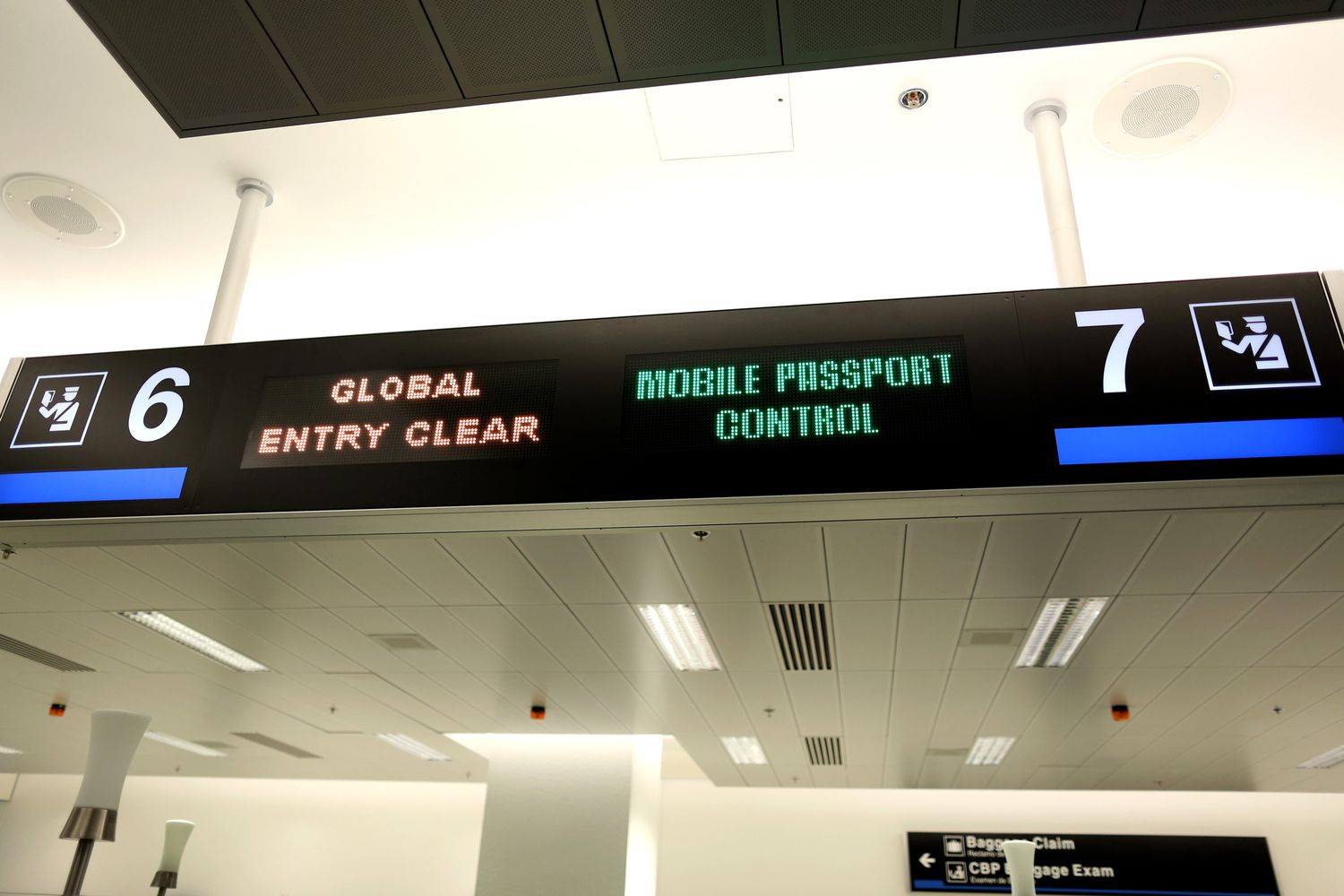
As of July 2024, the program has grown to 51 operational sites, covering the vast majority of major gateways into the United States. However, a common frustration noted in mobile passport control app participating airports is that the dedicated lanes are not always open or clearly marked.
The following is a curated list of where you can expect to find the service:
Major Domestic Airports
- East Coast: JFK (New York), EWR (Newark), ATL (Atlanta), IAD (Washington Dulles), MIA (Miami), BOS (Boston), PHL (Philadelphia).
- Central: ORD (Chicago), DFW (Dallas/Fort Worth), IAH (Houston), DEN (Denver), MSP (Minneapolis).
- West Coast: LAX (Los Angeles), SFO (San Francisco), SEA (Seattle), LAS (Las Vegas), PHX (Phoenix).
International Pre-clearance Facilities
- Canada: Toronto (YYZ), Vancouver (YVR), Montreal (YUL), Calgary (YYC).
- Caribbean: Nassau (NAS), Aruba (AUA), Bermuda (BDA).
- Europe/Middle East: Dublin (DUB), Shannon (SNN), Abu Dhabi (AUH).
Seaports
- The program is also available at four major seaports, including Port Everglades, Port Miami, Port of San Juan, and Port of Palm Beach.
For travelers looking at mobile passport control app airports, it is important to perform a "reality check." Even with the app, you are subject to the same entry requirements as any other traveler. A CBP officer will still ask you about the purpose of your trip and your duration of stay. The physical passport remains your primary travel document, and the app is simply the digital vehicle that carries your declaration data.
FAQ
Is Mobile Passport Control a legitimate app?
Yes, it is the official smartphone application developed by U.S. Customs and Border Protection. It is designed to replace paper forms and the older Automated Passport Control (APC) kiosks. It is a secure way to transmit your travel documents and declaration to the government before you reach the officer.
Which US airports have Mobile Passport Control?
There are currently over 30 domestic airports and 14 pre-clearance facilities that accept the app. Major hubs include Atlanta, Chicago O'Hare, Los Angeles, and New York JFK. A full list of mobile passport control app participating airports is updated regularly on the CBP website.
Is it worth getting Mobile Passport Control?
If you do not have Global Entry, the answer is a resounding yes. It is free and can save you anywhere from 30 minutes to two hours depending on the arrival volume at your port of entry. It is especially valuable for those traveling in a large household since it supports family submissions.
Is there a fee for MPC?
No, the mobile passport control app is entirely free. There are no application fees, no processing fees, and no renewal charges. If you see an app that asks you to pay for these services, it is likely a third-party service and not the official CBP application.
Should I set up Mobile Passport Control?
You should set up the app at least 24 hours before your flight to ensure your profile is ready. You can even create your profile while still at your home or hotel. However, you can only submit your photo and declaration once you have landed or arrived at the pre-clearance facility.
Conclusion & Travel Tips
The mobile passport control app represents a significant shift toward digital-first border management. For the savvy traveler, it offers a high-reward, low-effort tool for wait time reduction. In my years of reviewing destination logistics and travel news, I have found that few "travel hacks" are as consistently effective and genuinely free as this application.
By preparing your profile before you board and knowing the specific entry requirements for your port of entry, you can transform a stressful arrival into a seamless transition. While it may not always be as fast as facial-recognition Global Entry kiosks, the expedited screening provided by the MPC app is the best alternative for travelers looking to skip long lines without a financial commitment. As CBP continues to expand the program across more pre-clearance facilities and domestic hubs, it is quickly becoming an essential tool in every international traveler’s digital arsenal.